
Cheap Figma to WordPress Is It Worth It
In the fast-paced world of web development, the allure of cheap Figma to WordPress services is undeniable, especially for startups, small businesses, and freelancers watching every penny. But is slashing costs on low cost WordPress development truly worth it, or does it come with hidden pitfalls that could cost you more in the long run? This deep dive explores the realities, trade-offs, and smart strategies to make Figma budget decisions that deliver real value.
Unpacking the True Price of Figma to WordPress Conversions
Understanding the baseline costs is crucial before jumping into cheap Figma to WordPress options. Professional services like those offered by Figma2WP Service break down pricing based on key factors: design complexity, number of pages, and added features. Simple designs might start at around $200 per page, while complex ones with animations and interactivity climb higher. For instance, a nine-page startup site with moderate complexity and features like newsletter integration landed at about $1,800—below market average thanks to efficient processes.
Market averages show initial templates (home + landing page) around $1,750, with subsequent pages at $150-$250 each, scaling better for larger sites. Providers like Itec Media emphasize that excluding optimizations can shave 20-30{75933116aeeb03ee8a3ec72bbd3559c30611f97271ef63810777e59368b3946f} off, but they recommend keeping them for performance. Meanwhile, competitors such as Seahawk Media start packages at $499, highlighting how scope directly drives the final bill.
Factors Driving Costs in Low Cost WordPress Development
- Design Intricacy: Straightforward layouts are quick to code; custom elements demand more time and expertise.
- Page Volume: More pages mean more testing and QA, but bulk discounts often apply.
- Features: E-commerce, SEO, forms, and CMS tweaks add layers—prioritize essentials to fit a Figma budget.
- Provider Efficiency: Services using proven frameworks cut time without sacrificing quality.
These elements ensure you’re not just buying a site, but investing in scalability and user experience improvements that pay off long-term.
Manual vs. Automated: The Battle for Your Figma Budget
When eyeing cheap Figma to WordPress, the manual vs. automated debate is central. Manual conversion by experts delivers pixel-perfect results, optimal speed, SEO, and security—ideal for bespoke sites with complex functionality like CRM integrations or APIs. It’s pricier upfront but excels in control and performance.
Automated tools, powered by AI and plugins, promise speed and savings. A typical 8-page site manually takes 20-30 hours ($1,500-$2,250 at $75/hr), while basic plugins drop it to 8-12 hours ($600-$900), and advanced AI to 2-4 hours ($150-$300). Tools like Figmentor ($19-$99/month) boast 98{75933116aeeb03ee8a3ec72bbd3559c30611f97271ef63810777e59368b3946f} accuracy and 3-5 minute exports, integrating seamlessly with Elementor. Others, such as Uichemy or Anima, cut dev costs by 40{75933116aeeb03ee8a3ec72bbd3559c30611f97271ef63810777e59368b3946f} for agencies.
| Approach | Time | Accuracy | Cost ($75/hr) |
|---|---|---|---|
| Manual Coding | 20-30 hours | High risk of errors | $1,500-$2,250 |
| Basic Plugin | 8-12 hours | Medium (needs cleanup) | $600-$900 |
| Advanced AI | 2-4 hours | Low (fine-tuning only) | $150-$300 |
Choose automated for simple, quick launches on a tight Figma budget; manual for elite, custom needs. Hybrid approaches—AI for 80{75933116aeeb03ee8a3ec72bbd3559c30611f97271ef63810777e59368b3946f} and manual tweaks—often strike the best balance in low cost WordPress development.
Real-World Case Studies: Does Cheap Figma to WordPress Pay Off?
Let’s examine tangible outcomes. A UK startup used Figma2WP Service for their nine-page prototype: moderate complexity, custom features, total $1,800. The result? On-schedule launch, responsive design, SEO-friendly, driving quick organic traffic.
A freelancer switched to Figmentor‘s AI: from 8-10 hours per site to 30-60 minutes, tripling capacity and adding $5,000+/month revenue. An agency with Uichemy saved $12,000/year in dev costs, though tweaks were needed. SmartClick Agency reports 70{75933116aeeb03ee8a3ec72bbd3559c30611f97271ef63810777e59368b3946f} conversion rate boosts and 3x longer user stays post-conversion.
Conversely, a budget-conscious user opting for free plugin tiers faced cleanup hassles on complex nested components, underscoring limits of ultra-cheap paths.
Success Metrics from Top Conversions
- Traffic Growth: SEO-optimized sites see faster indexing and rankings.
- Performance: Manual or premium automated yields faster load times, reducing bounce rates.
- ROI: Initial savings via cheap tools amplify with scaled projects.
- Maintenance: Fewer plugins mean less upkeep, as noted by Itec Media.
Risks and Pitfalls of Ultra-Cheap Figma to WordPress Services
While tempting, cheap Figma to WordPress can backfire. Automated tools struggle with JS-heavy custom sites, missing design intent or requiring extensive fixes. Low-end plugins lack responsive controls, leading to broken layouts on devices. Security vulnerabilities arise from bloated plugins or unoptimized code, inflating long-term costs.
Freelancers report 20-30{75933116aeeb03ee8a3ec72bbd3559c30611f97271ef63810777e59368b3946f} rework on basic converters, eroding savings. For high-stakes projects, skimping means poor UX, slow speeds, and lost conversions—far costlier than investing upfront. Always assess: Does it scale? Is it secure? Will it rank on Google?
Smart Strategies to Maximize Your Figma Budget
Optimize low cost WordPress development without compromises:
- Prep Figma Files: Clean structures convert better—batch exports for efficiency.
- Hybrid Model: AI for drafts, pros for polish via Contact Us at Figma2WP.
- Prioritize Features: Core pages first, defer extras.
- Free Tier Hacks: Use for simple pages, paid for complex; combine tools like Figma to WordPress Plugin.
- Provider Vetting: Look for 30-day support, like HTMLPanda‘s guarantees.
Leverage WordPress frameworks for speed, minimal plugins for maintenance, and JS implementations for no-AJAX loading.
Long-Term Value: Beyond the Initial Figma Budget
Cheap Figma to WordPress shines short-term, but durability wins. Professional conversions boost brand visibility, trust, and scalability. Design independence via Figma-to-WP yields unique sites outperforming template-heavy rivals. With ongoing support—30 days free from many providers—you avoid post-launch headaches.
In 2026, AI advancements make low cost WordPress development viable for most, but pair with expertise for best results. Services emphasizing SEO, speed, and responsiveness deliver ROI through higher conversions and retention.
Choosing the Right Path for Your Project
Ultimately, cheap Figma to WordPress is worth it for simple sites or budget tests, but scale up for complexity. Evaluate needs: quick MVP? Go automated. Custom powerhouse? Invest in manual. Providers like Figma2WP Service offer transparent quotes tailored to your Figma budget.
Ready to transform your designs without breaking the bank? Contact Us today for a custom plan that balances cost and quality, ensuring your site thrives in competitive markets across the USA, UK, and Canada.
More From Our Blog

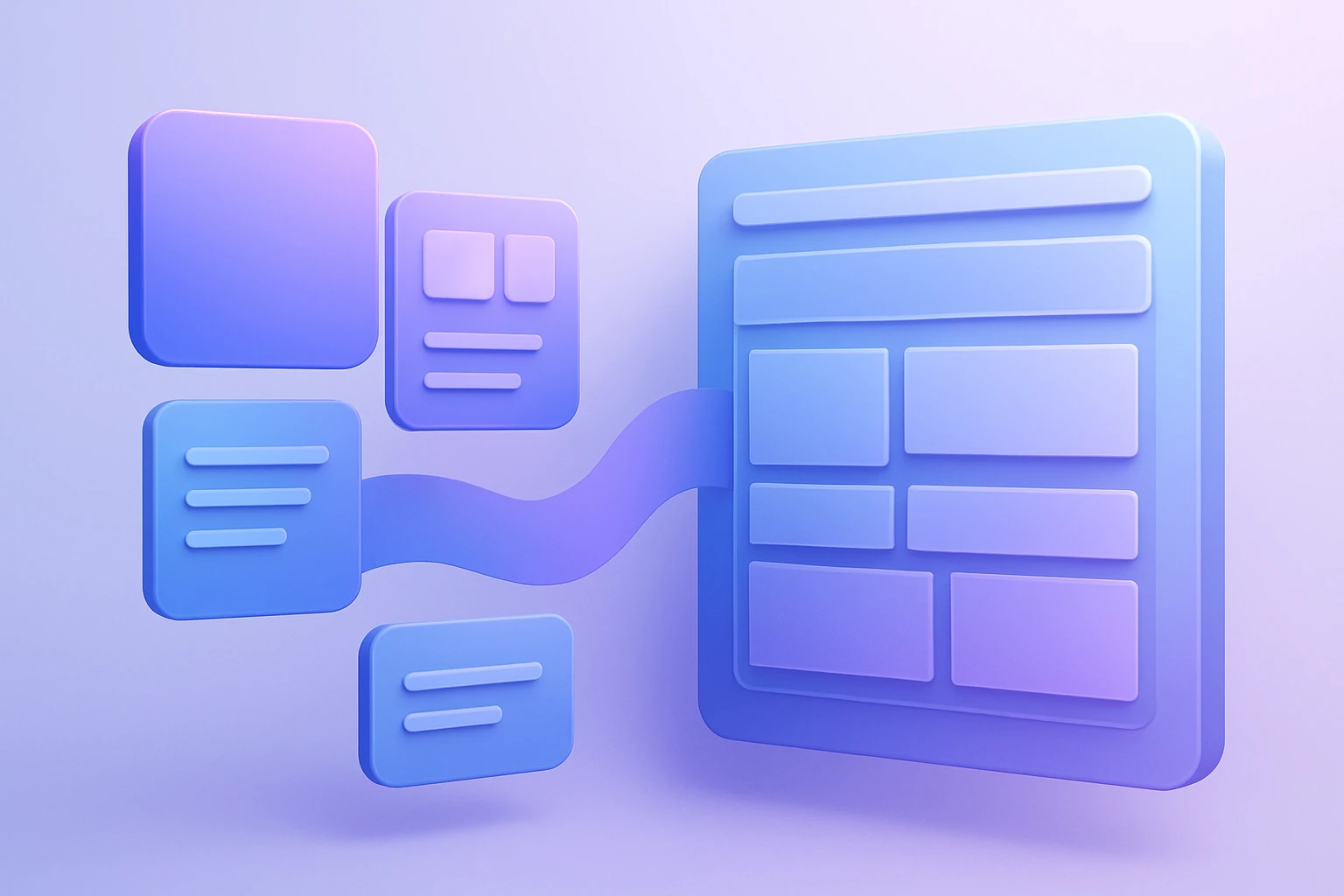
Mastering the Translation: Bridging Figma Components to WordPress Blocks The core challenge of converting a design from Figma to WordPress lies not in the tools, but in the logical mapping of figma components to WordPress blocks. This process, often called design mapping, requires a designer or developer to interpret the visual hierarchy created in Figma Read more…
Transforming Visual Design into Scalable Code with Design Tokens The handoff from designer to developer has historically been one of the most painful bottlenecks in web projects, often resulting in inconsistent colors, mismatched typography, and hours of manual refront. However, the integration of design tokens into a WordPress workflow using Figma tokens has revolutionized this Read more…